Handles real documents
PDF, Word, PowerPoint and text files are read with their tables and figures kept, and organized into lessons.
INGEST
Upload a PDF, a Word document, a slide deck or a text file and CourseSmith turns it into a chaptered, narrated course — with the script grounded in what your document actually says.
A real example
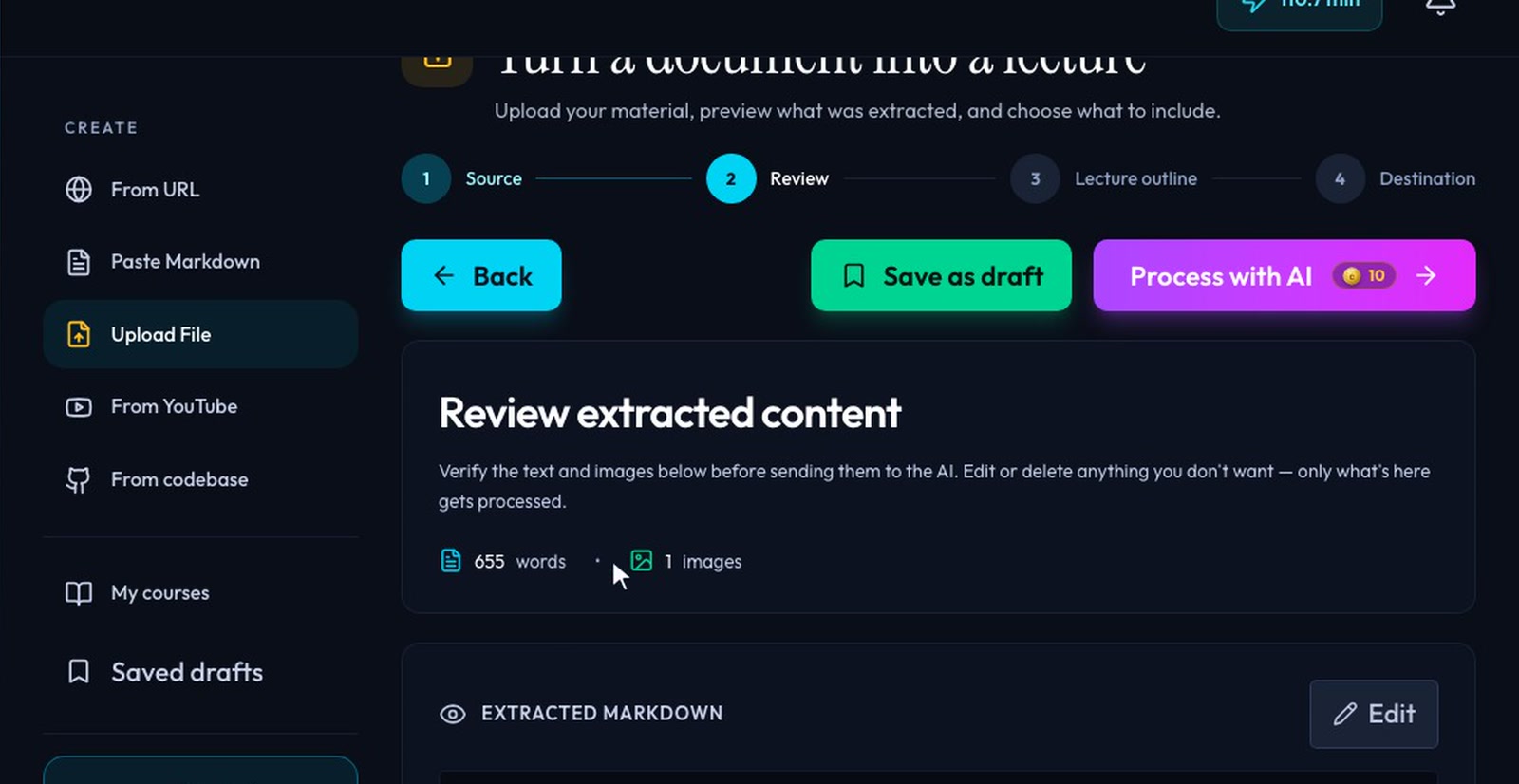
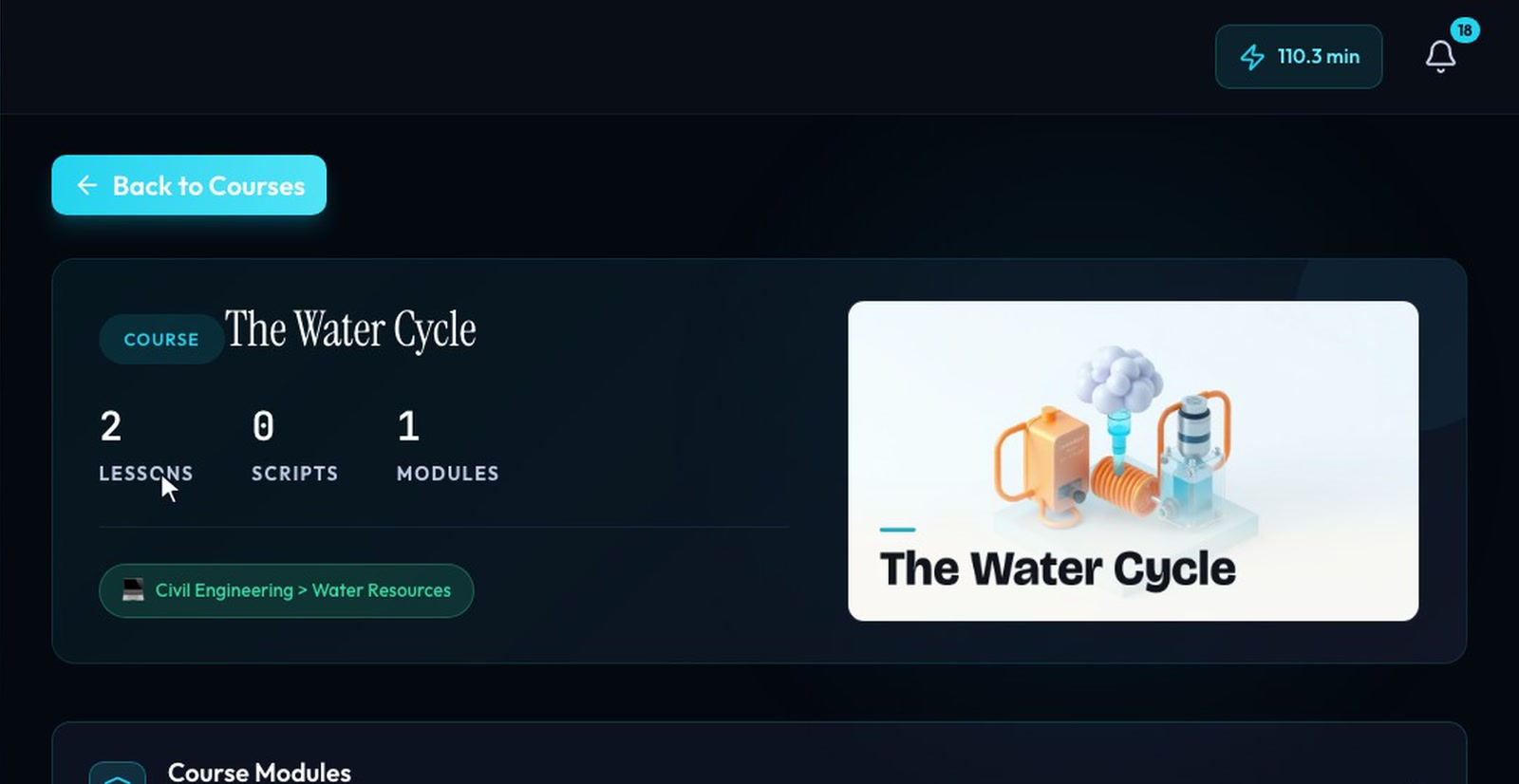 The course, generated
PDF, DOCX, PPTX or TXT.
The text, tables and images pulled from the file — save it as a draft if you like.
A proposed split you can edit.
Every lesson grounded in its part of the document.
What it does
PDF, Word, PowerPoint and text files are read with their tables and figures kept, and organized into lessons.
The script cites the source, so formulas, figures and claims reflect the document rather than a guess.
Review what was extracted, save it as a draft and come back later — it waits under Recent sources.
CourseSmith proposes a lecture split you can reorder and refine before the course is built.
Upload the new version and CourseSmith shows which scenes it affects; rewrite just those, or the whole script.
Learn CourseSmith
More in bring your source
It’s one part of a tool that carries your source all the way to a polished, finished video.