Regular Scene
A standard component scene. Add it blank, or describe it and let AI write the narration and visuals — and pick a storytelling device when the words call for one.
See the devicesScene types
Between any two beats of any lecture you can drop in a different kind of scene — and AI writes it to fit the lecture around it. Here is every scene type, with a real example of each.
A standard component scene. Add it blank, or describe it and let AI write the narration and visuals — and pick a storytelling device when the words call for one.
See the devicesAlready have the material? Paste your text and drop in your screenshots or diagrams — AI turns them into a scene that keeps your wording and shows your images.
Pasted a lot? It can suggest breaking it into several scenes before you commit.
Built around a picture — upload your own or describe one for AI to generate; AI writes the scene around it.
A hand-drawn board that draws itself, stroke by stroke, while the narrator speaks. Pick a style (whiteboard, chalkboard, blueprint…); AI writes the scene from your notes — or from the surrounding lecture on its own.
Takes ~20–30 seconds to draw — runs in the background.
See the stylesA Vox-style paper collage — hand-cut cardboard elements with torn edges, tape and a bold cut-out headline, slapped down while the narrator speaks. Pick a craft style; AI writes the scene from your notes — or from the surrounding lecture on its own.
Takes ~15–25 seconds to build — runs in the background.
See the stylesA full comic panel — a setting, props and your saved stick-figure cast acting the idea out. Keep it as a moving image, or animate it (Pro).
Uses the characters you saved in Assets, so they look the same in every scene.
The X-Ray Reels method on one scene of this lecture: the real thing the words are about, found in reference photos and drawn in code on a cinematic plate — cut open, labelled, changing on the word that changes it — every render reviewed.
Takes 10–25 minutes (three reviewed renders) — runs in the background; keep working. The frontier model is on Studio.
The PictureMotion Reels method on one scene: a realistic picture of the real thing, drawn from reference photos, with its later states as edits of the same picture — and the explanation animated on it: parts lit and labelled, flows, counters, on their words.
Takes 10–25 minutes (pictures + three reviewed renders) — runs in the background; keep working.
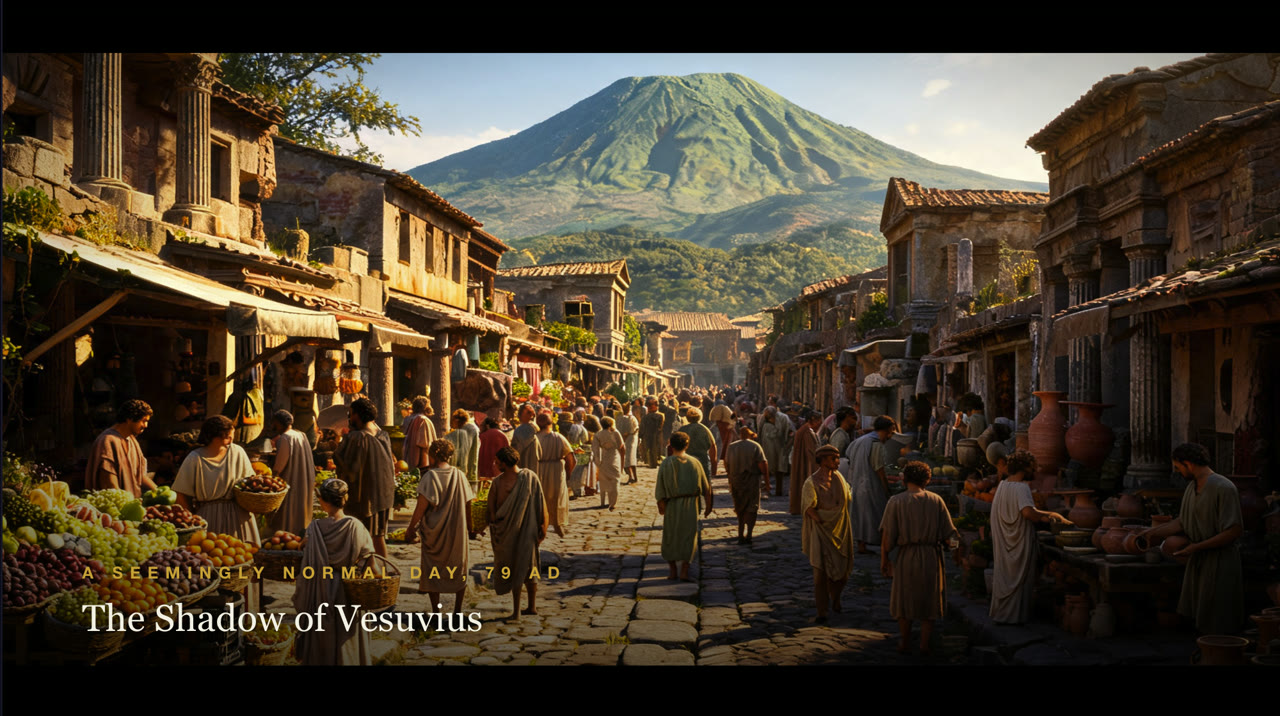
Real-world footage with a mood you pick — AI video or stock film resolved automatically. Best for stories, history, business and real-world topics.
You can also add your own externally-generated videos later in the video editor.
A hand-animated math/diagram explainer (MathMotion). Describe what it should teach; the AI director choreographs and renders it. Optionally over real footage of the subject.
Renders in the background (1–3 min) — you can keep working or leave the page.
See the examplesBespoke motion graphics authored by AI. Describe the animation — or attach an image and AI will build the scene around it. Optionally over real footage of the subject.
Renders in the background (1–3 min) — you can keep working or leave the page.
See the examples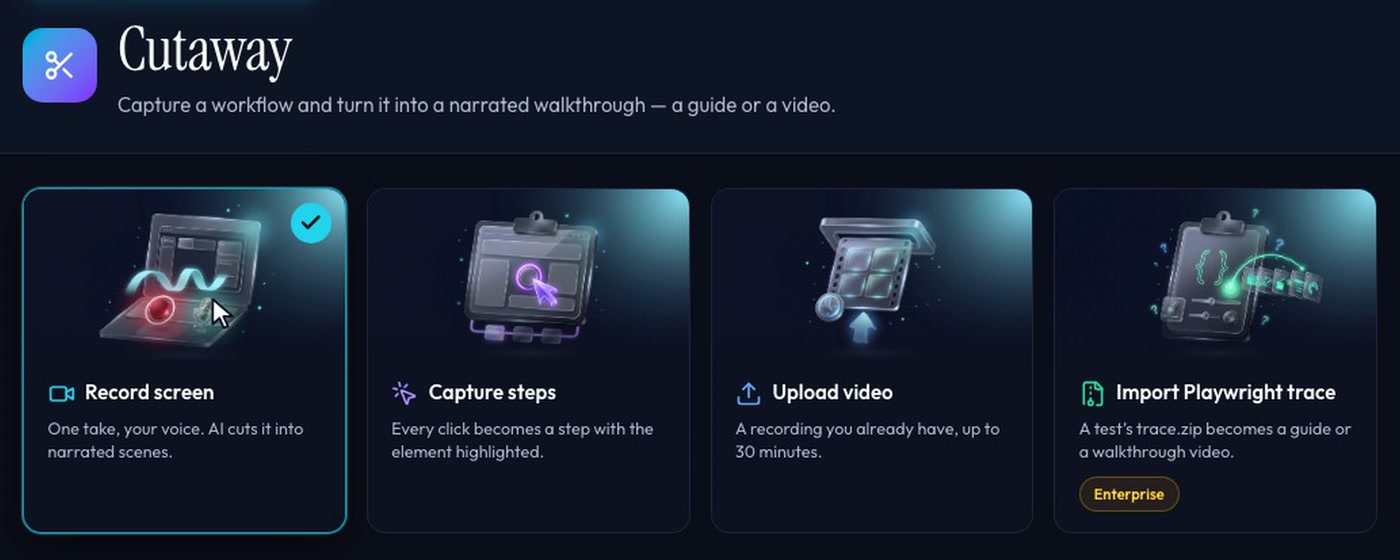
Drop in one of your Cutaway screen recordings, or an element-aware guide whose steps are stitched in as narrated scenes — added to this phase.
Pull a finished scene from any other lesson — browse by course, topic and lesson. The rendered animation and imagery come with it, so nothing is generated again.
Your whole course library, reusable.
In the storyboard
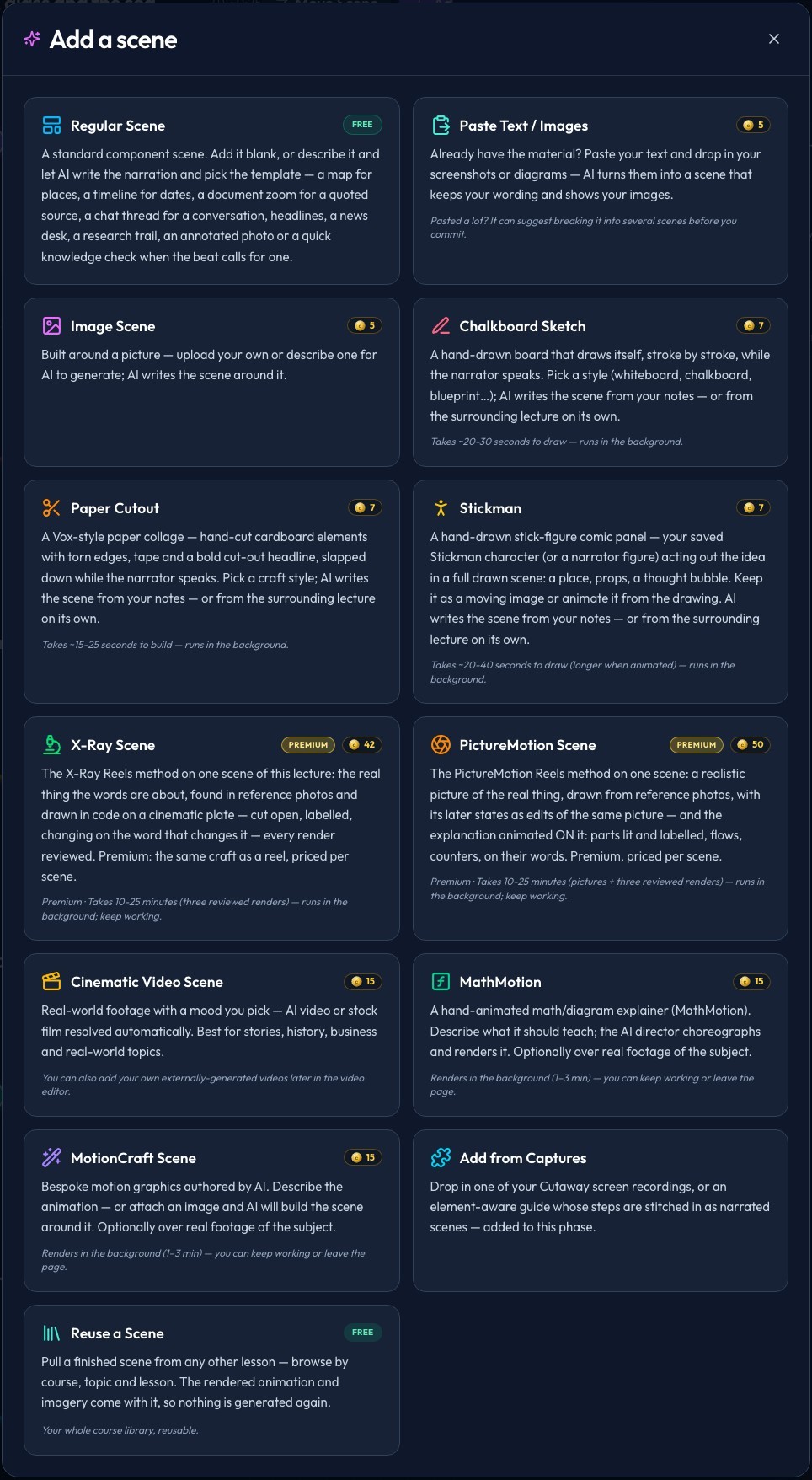
Press + between two scenes — or Replace on a scene — and the same thirteen cards open. Pick one, describe it or leave it to the lecture around it, and keep working while it renders.
X-Ray and PictureMotion scenes are premium scenes on the Pro plan; their frontier-model option is on Studio. Every scene uses minutes of your plan — see pricing.
Storytelling devices
A Regular scene can become one of these when its narration is about a place, a date, a source, a conversation or a question — same words, a better way to show them. Choose one yourself, or leave it on Auto.
Style for this scene
When you add or replace a scene, its type comes with a Style section: the moves an animated scene can make, the drawing styles of a sketch, the devices of a regular scene. Pick one, or none and the scene is made as usual. The same styles, and the looks for a whole video, sit in the script page’s Preview before you generate — see Styles for every lecture type.
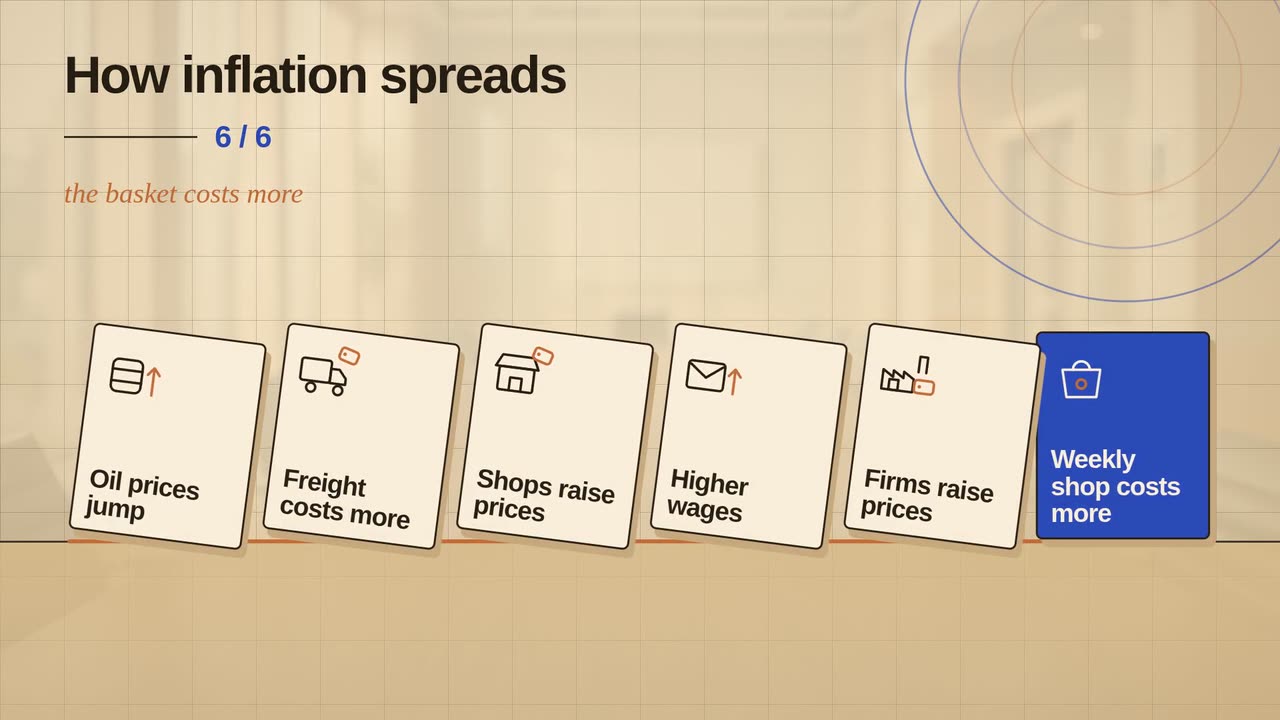
The causes and effects the scene states as standing tiles; each tips into the next on its words.
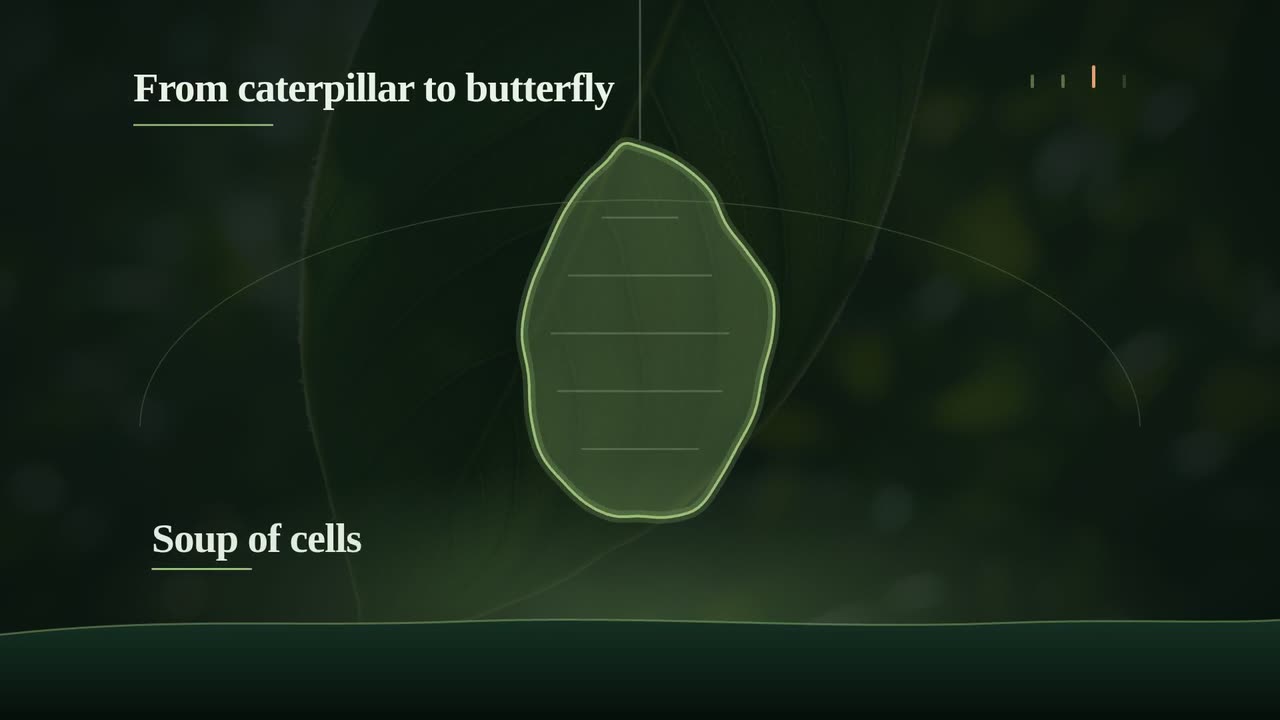
One shape flows from stage to stage on the words that name each, with no cuts, each stage labelled.
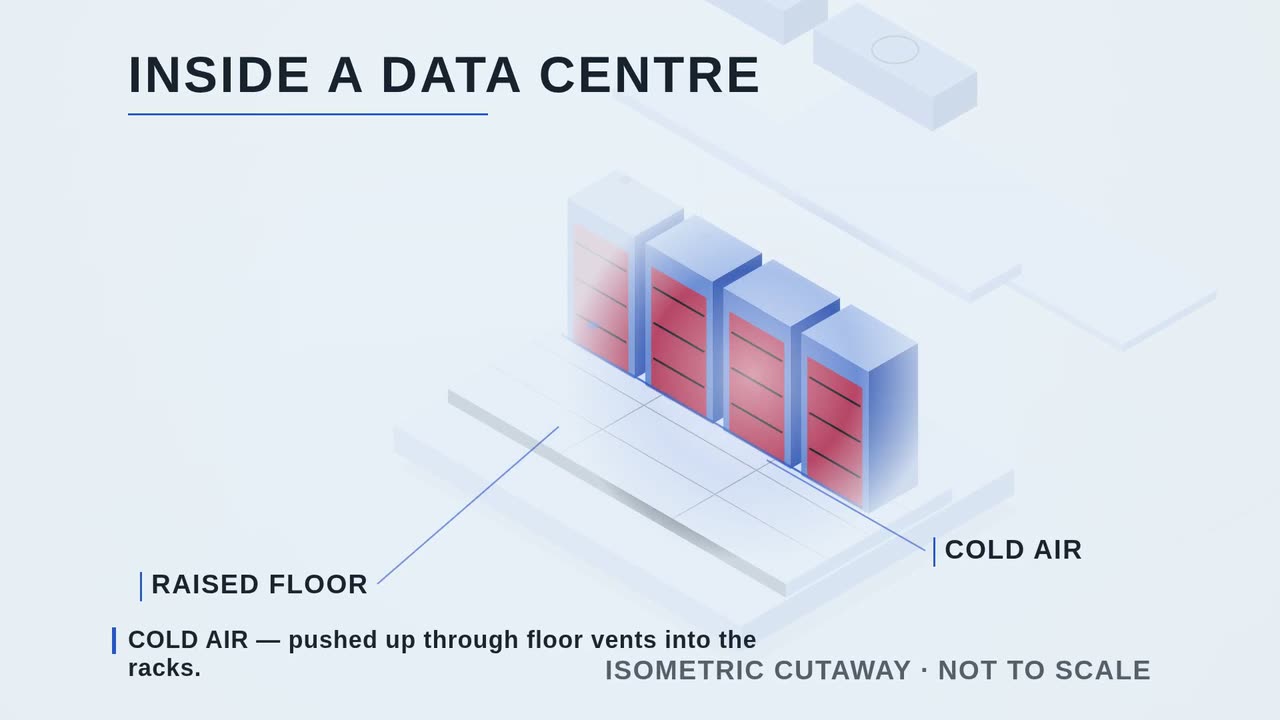
A system with a real layout built as a tidy isometric model, then opened to show the inside at work.
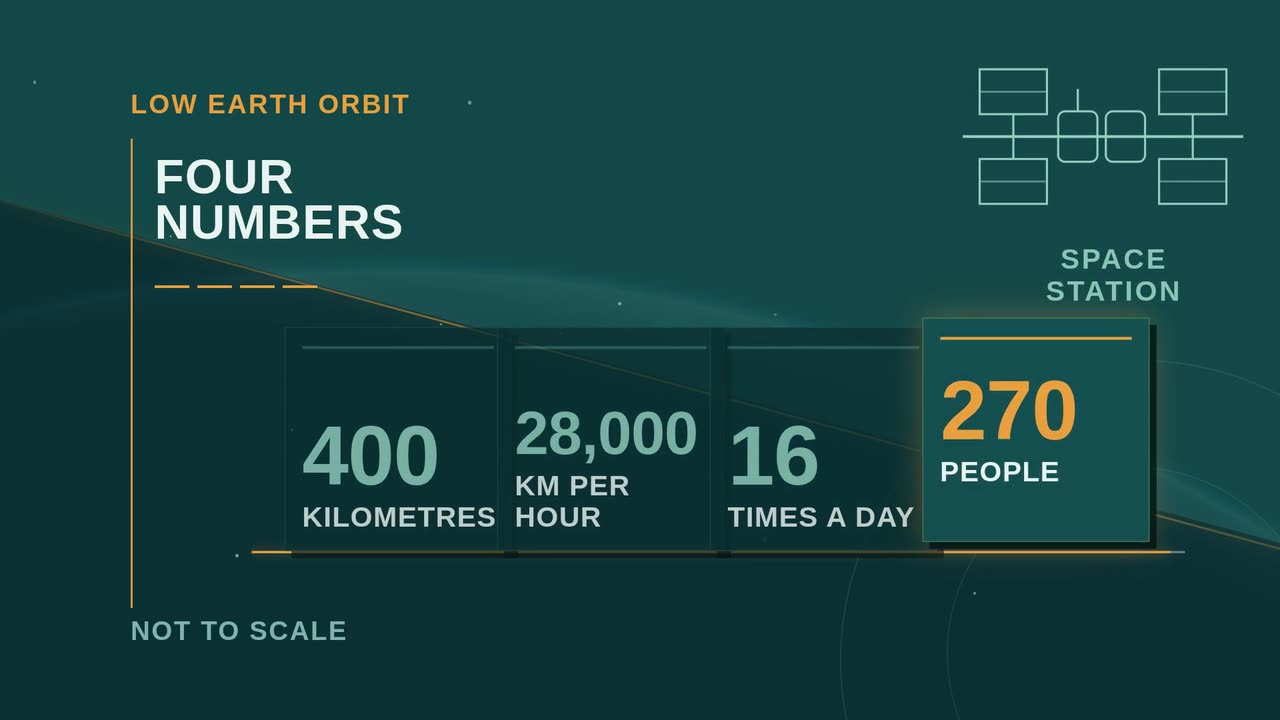
Two to four cards deal in one by one, each holding one short fact the scene states; the card being spoken lights up.
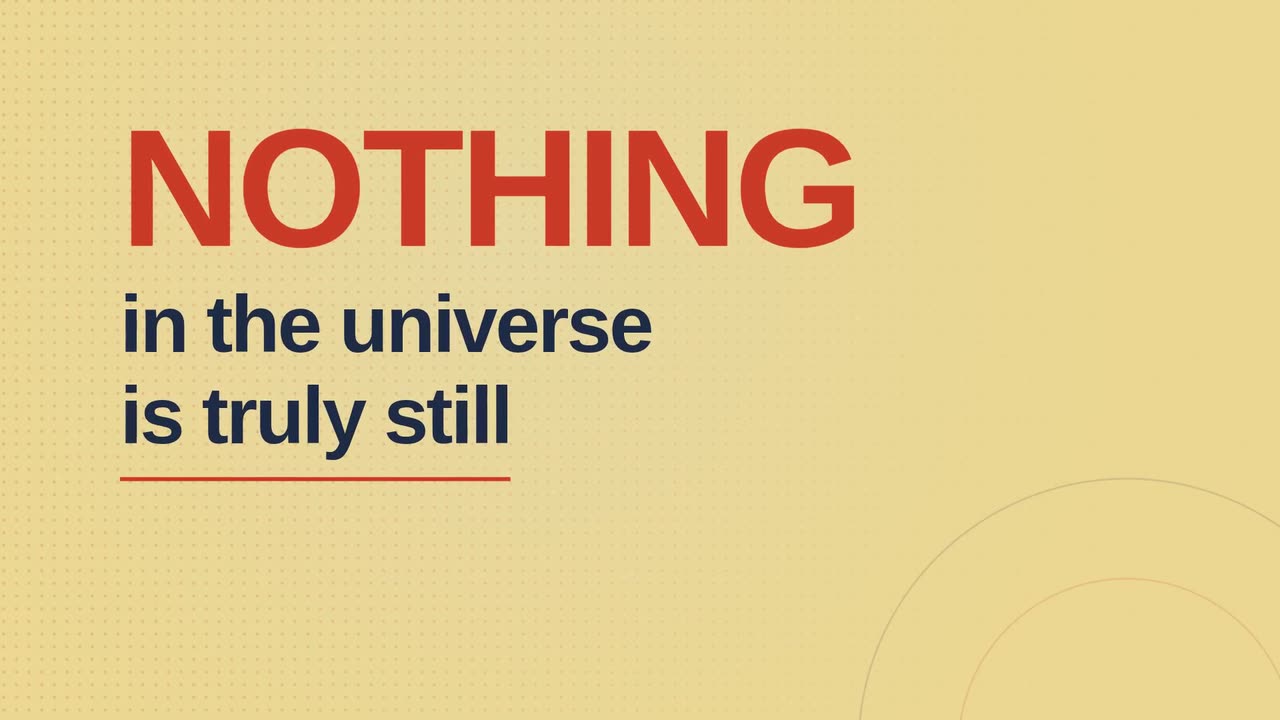
The scene’s own words land as big type, word by word, with one word emphasised.
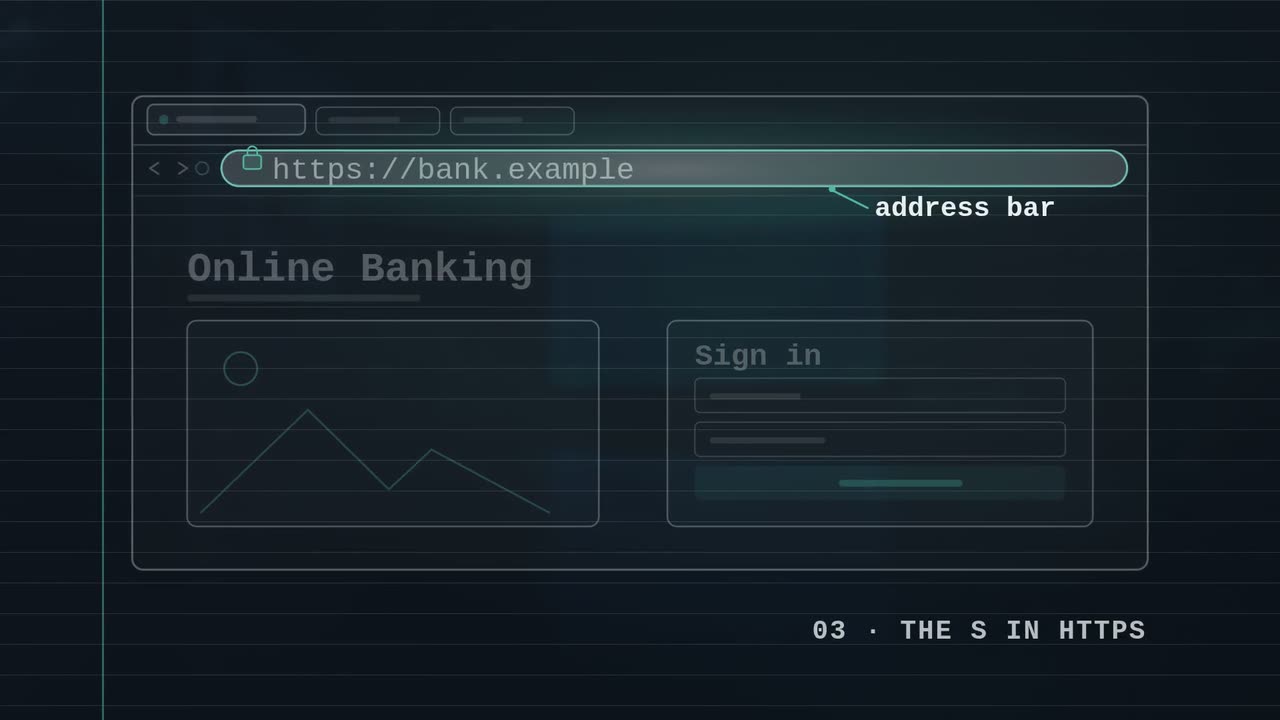
The frame dims and a soft pool of light singles out the one part the narration names.
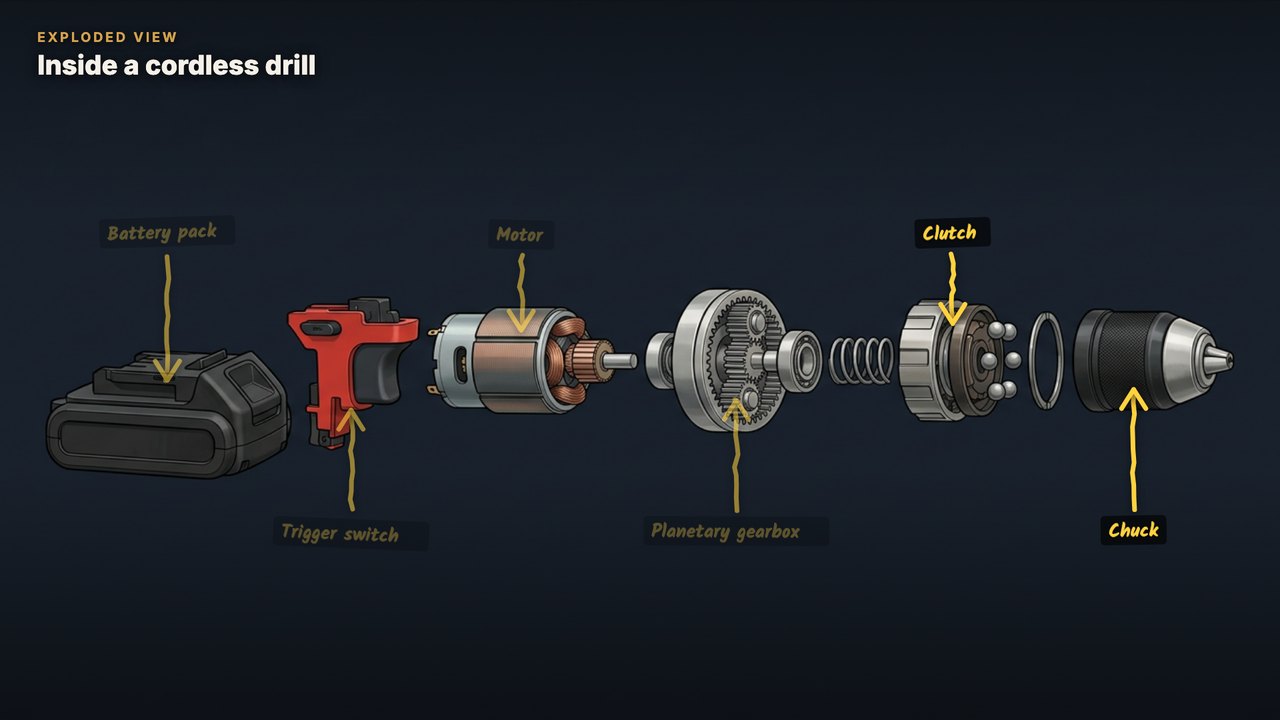
An illustrated drawing of the real product or machine pulled apart, each part labelled as it is named.
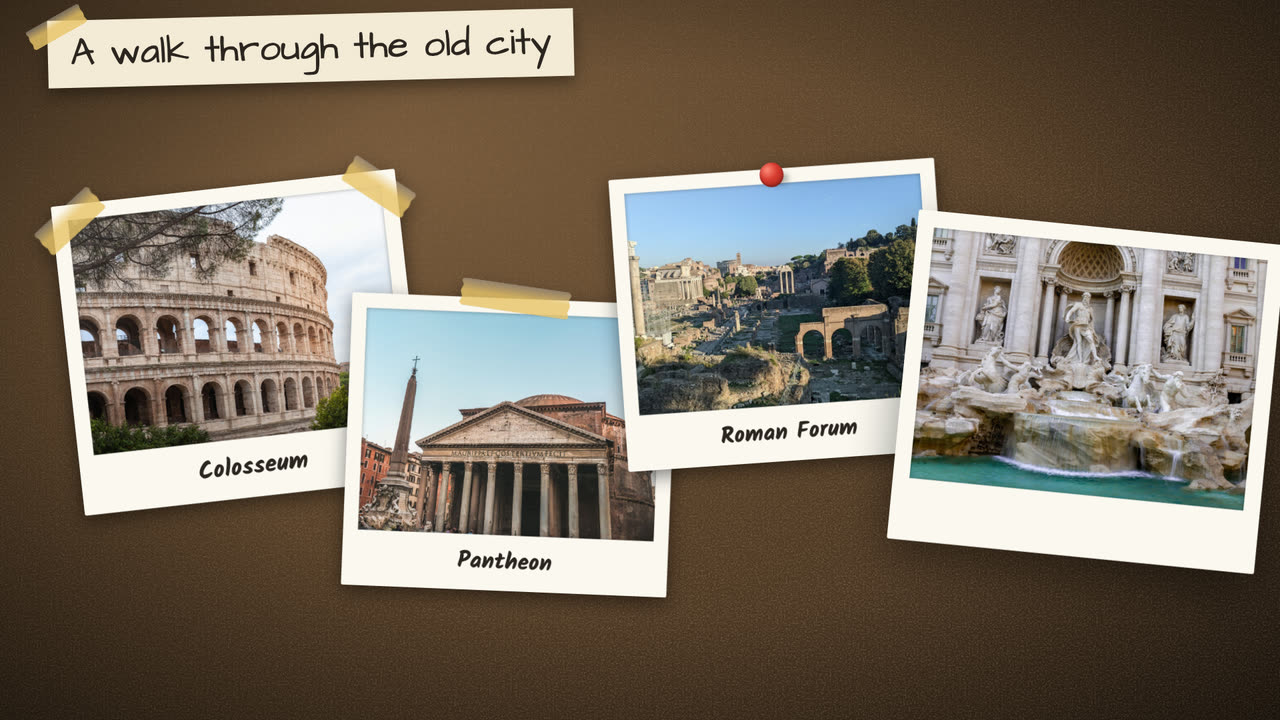
Real photos of the things the scene names, pinned to a board as they are said.
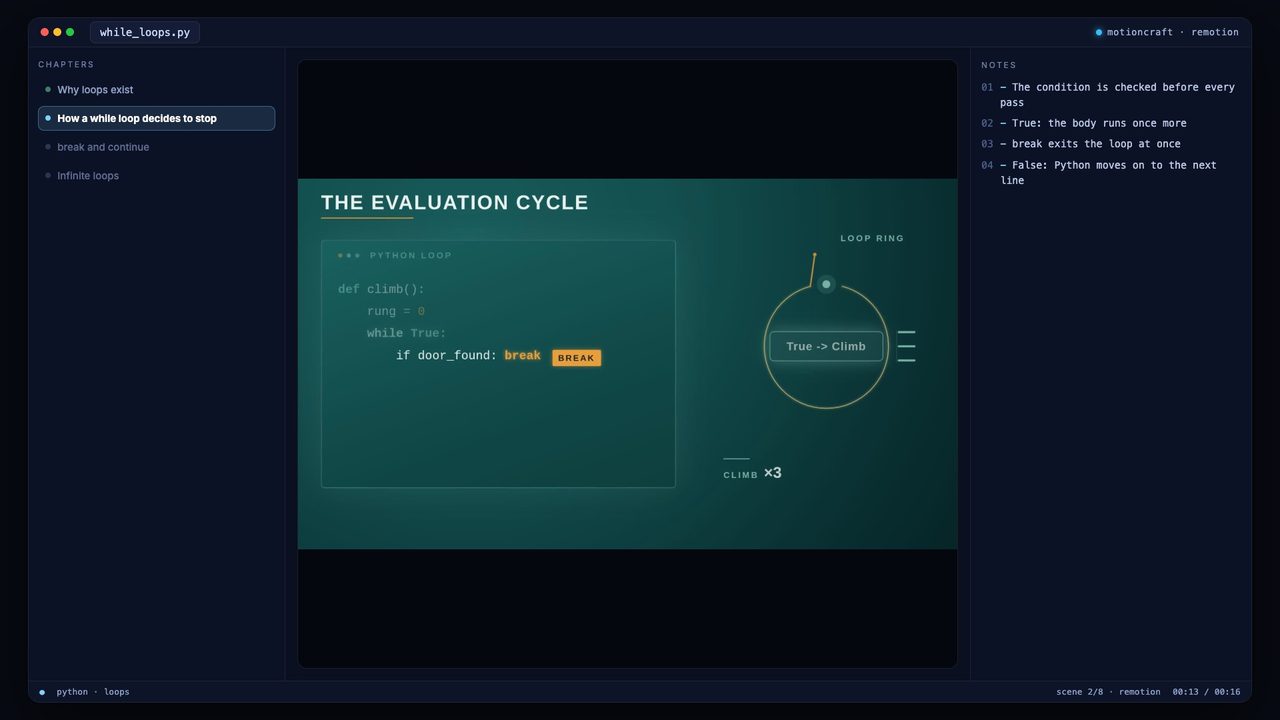
One animation framed inside a code editor, with the lesson’s chapters beside it.
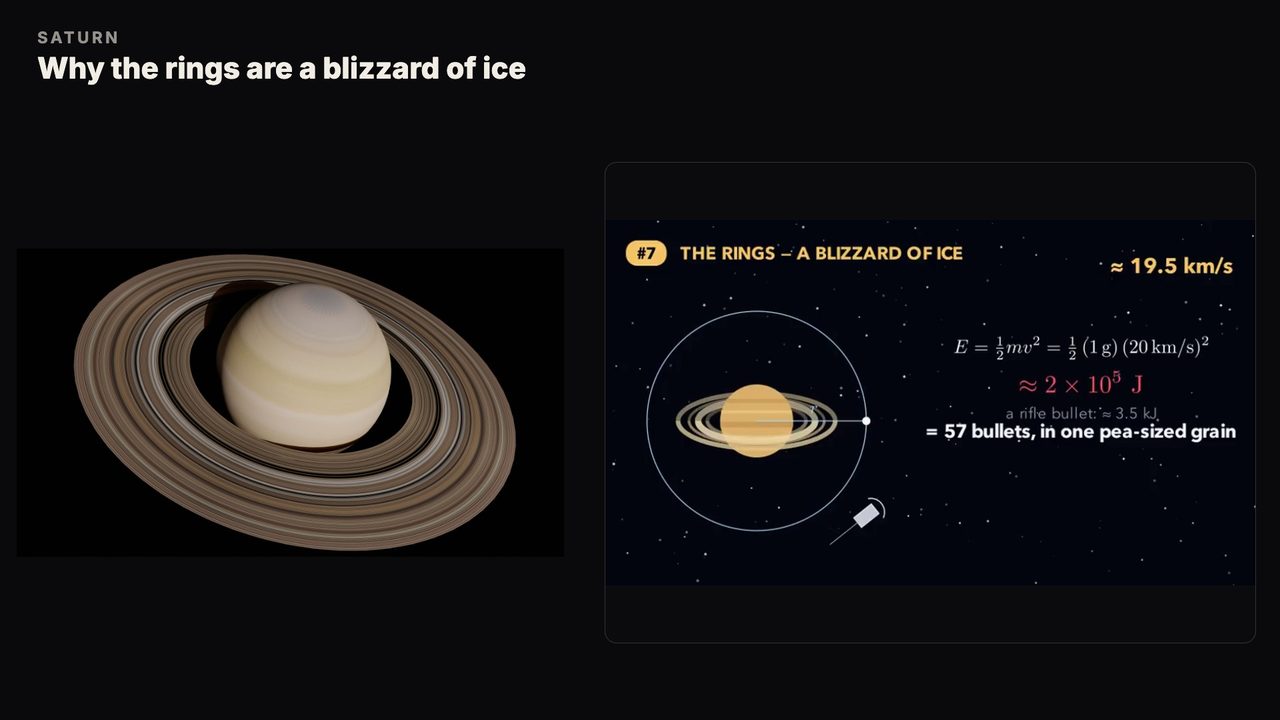
A picture of the real thing on one half, the animation explaining it on the other.
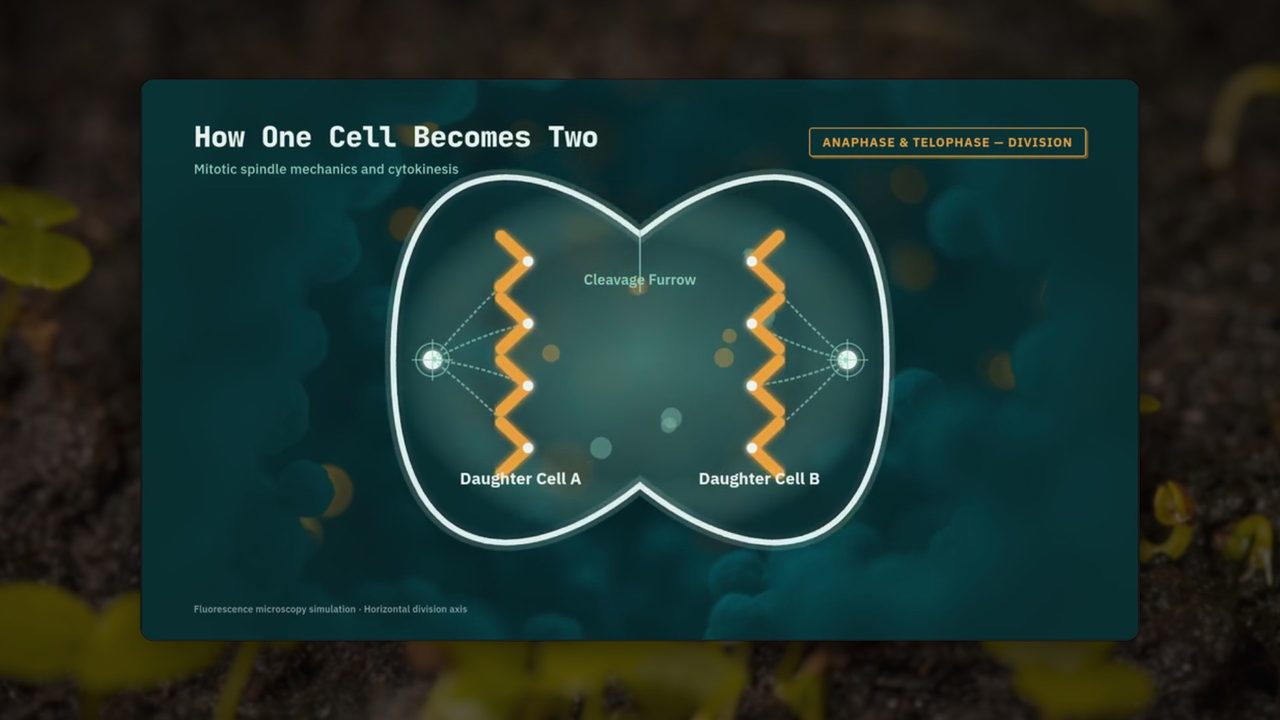
Real footage of the subject plays dimmed behind the animation.
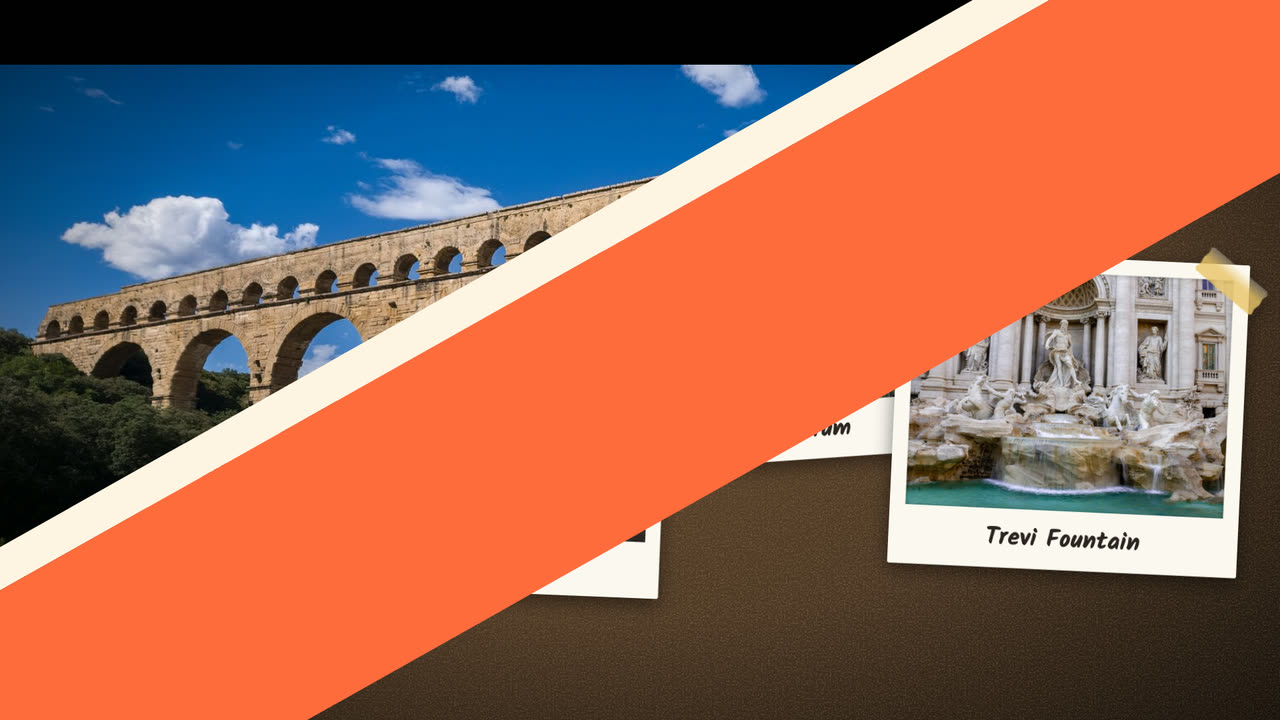
A colour wipe or a zoom-through between scenes instead of plain cuts.
Chalkboard Sketch
Every scene is drawn stroke by stroke while the narrator speaks. Pick one style and it carries across the whole lecture — or drop a single drawn scene into a standard one.
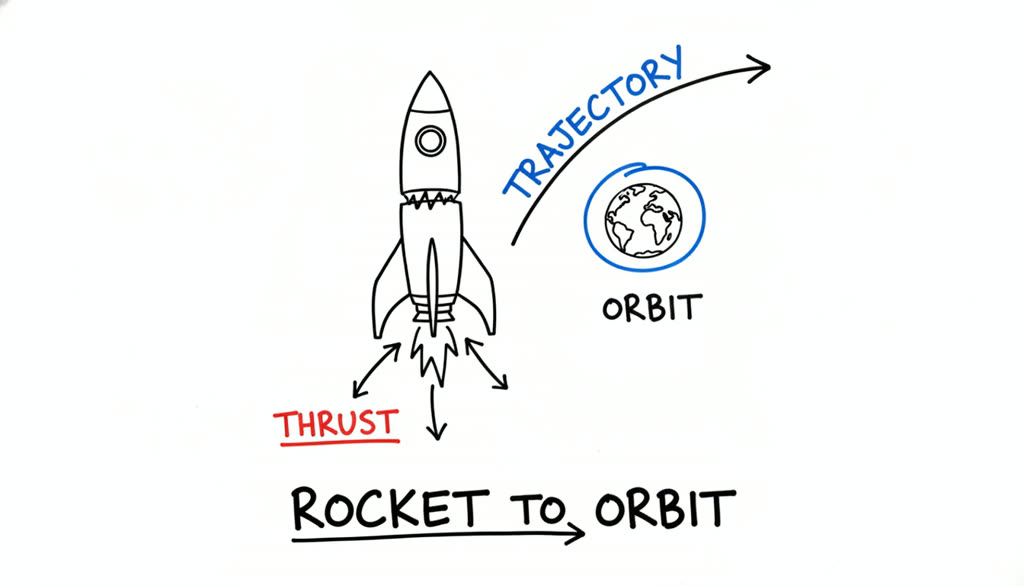
Clean dry-erase board, black marker linework with red and blue accents — the classic explainer look.
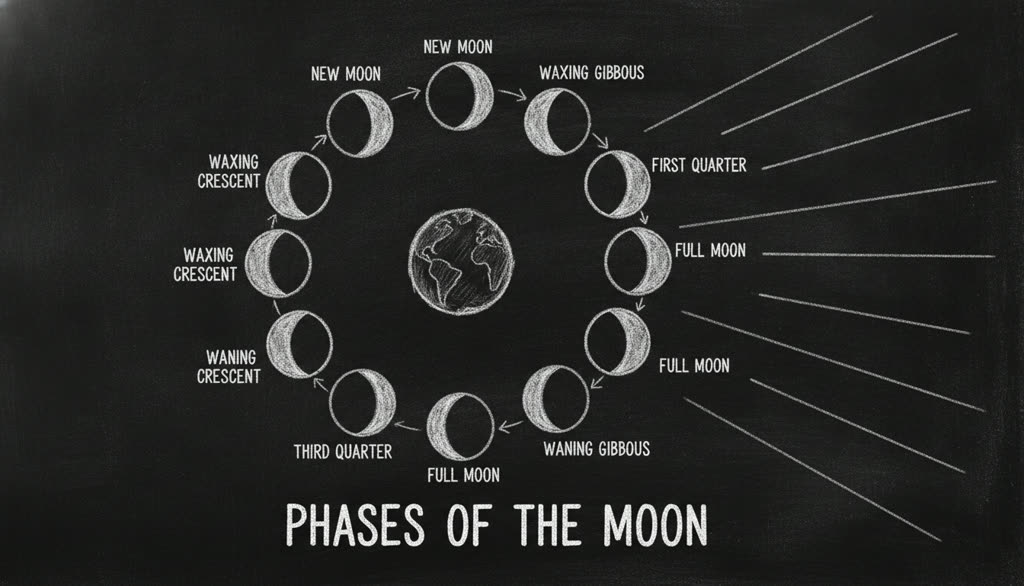
White chalk on a dark slate board — dusty, hand-drawn, lecture-hall feel.
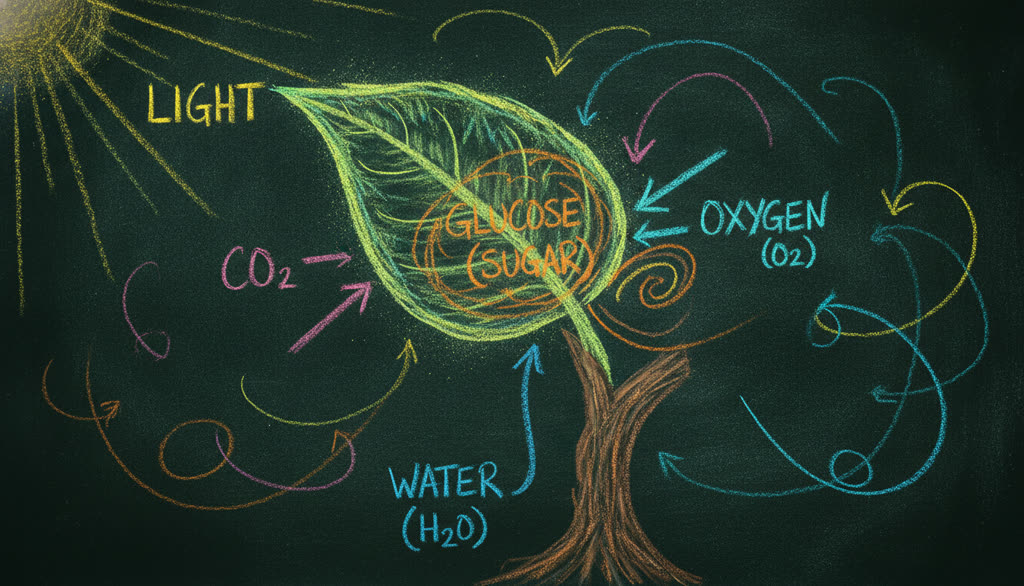
Dark green board with vivid colored chalk — yellow, pink, cyan strokes that glow off the slate.
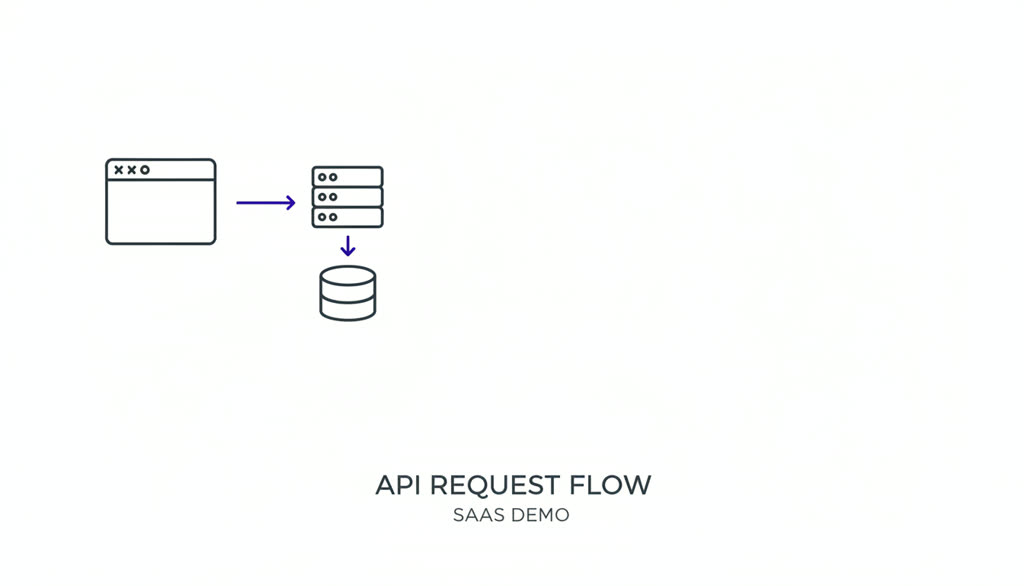
Thin elegant lines, lots of white space, a single indigo accent — sleek SaaS-demo aesthetic.
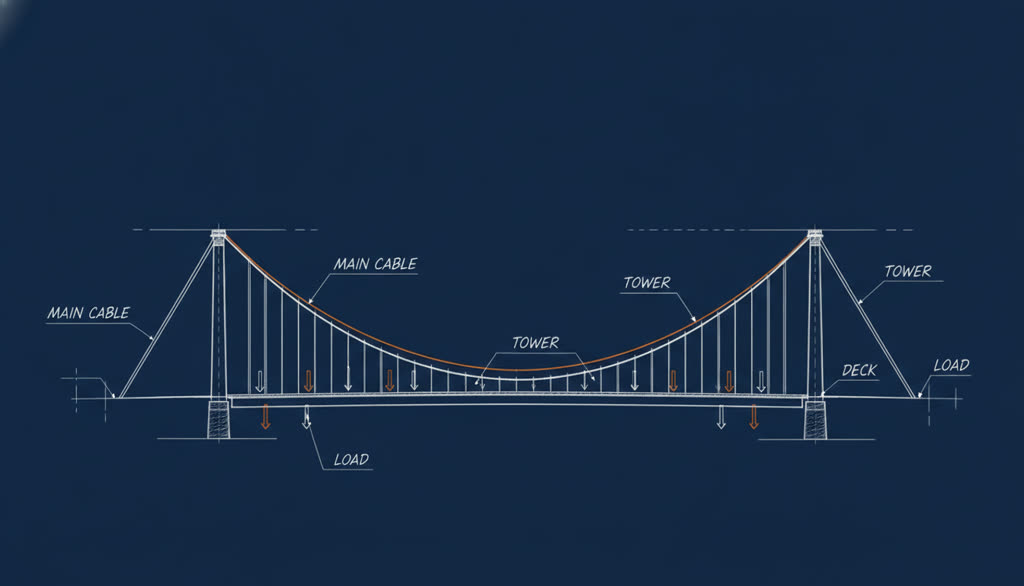
Navy blueprint background with precise white schematic linework and one orange accent.
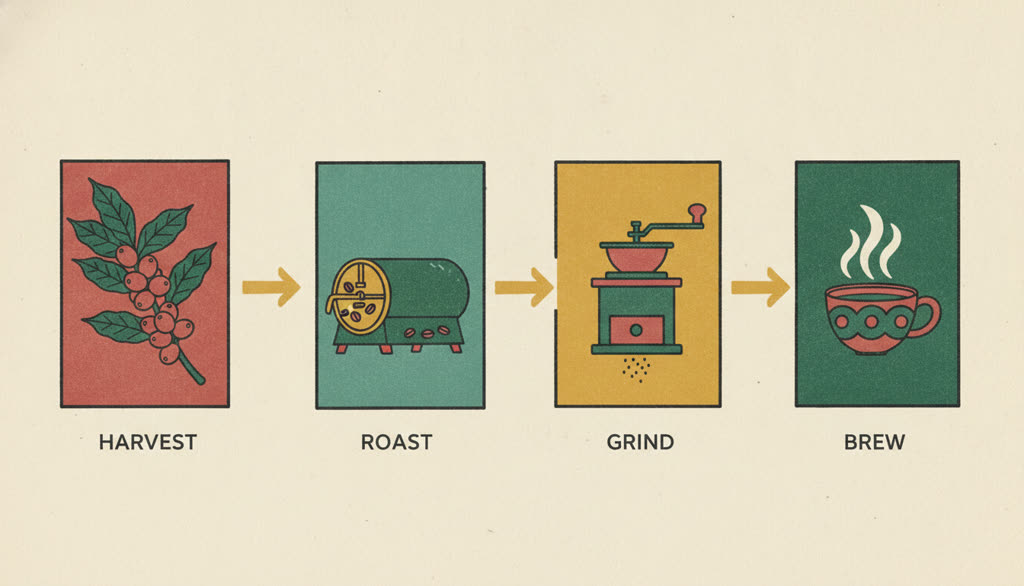
Magazine-style illustration: bold ink outlines with rich flat color fills on warm paper.
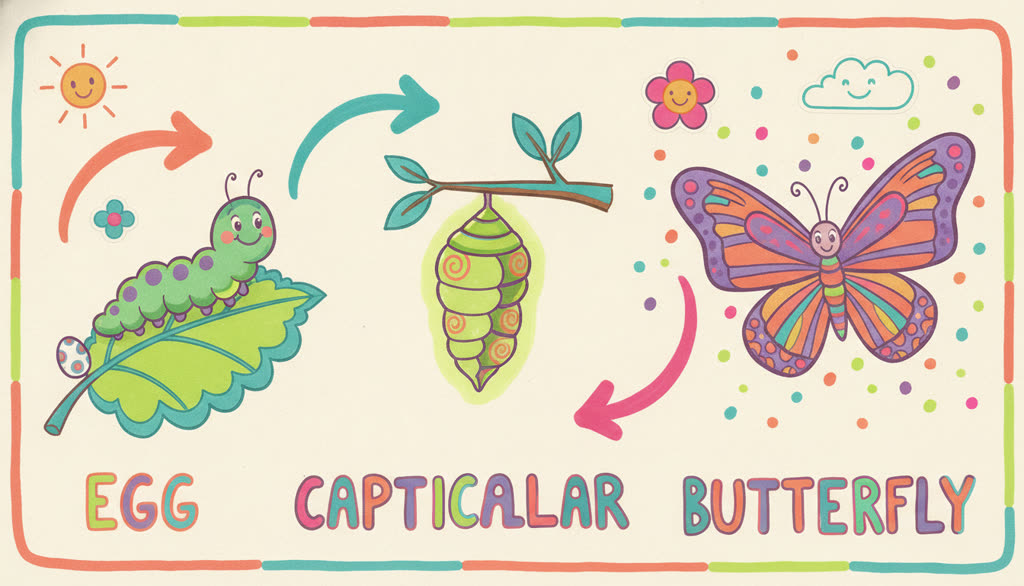
A riot of marker color on warm cream — rounded friendly lines, confetti and storybook energy.

Raw paper attacked with a full sharpie set — bold, rough, saturated and high-energy.
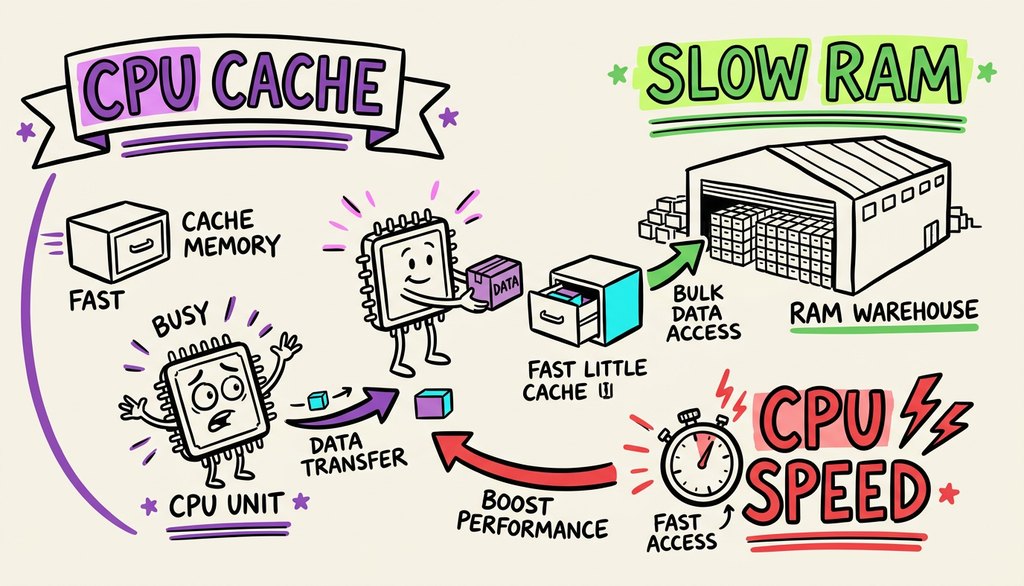
Conference graphic-recording board — every idea cluster colour-coded across its lettering, banner and arrows.
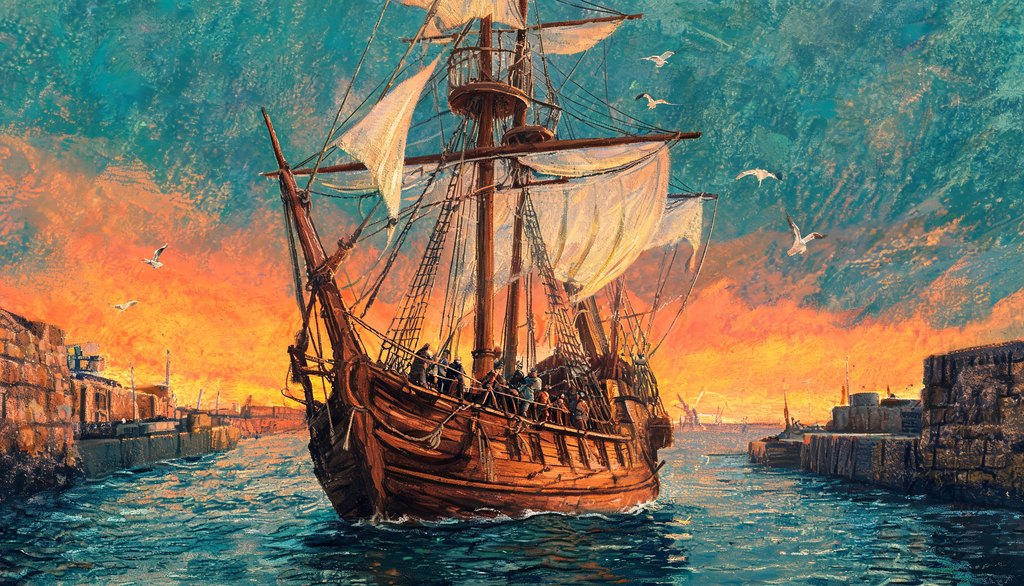
Edge-to-edge oil-pastel painting — waxy layered colour, burnt orange against deep teal, broken crayon outlines.
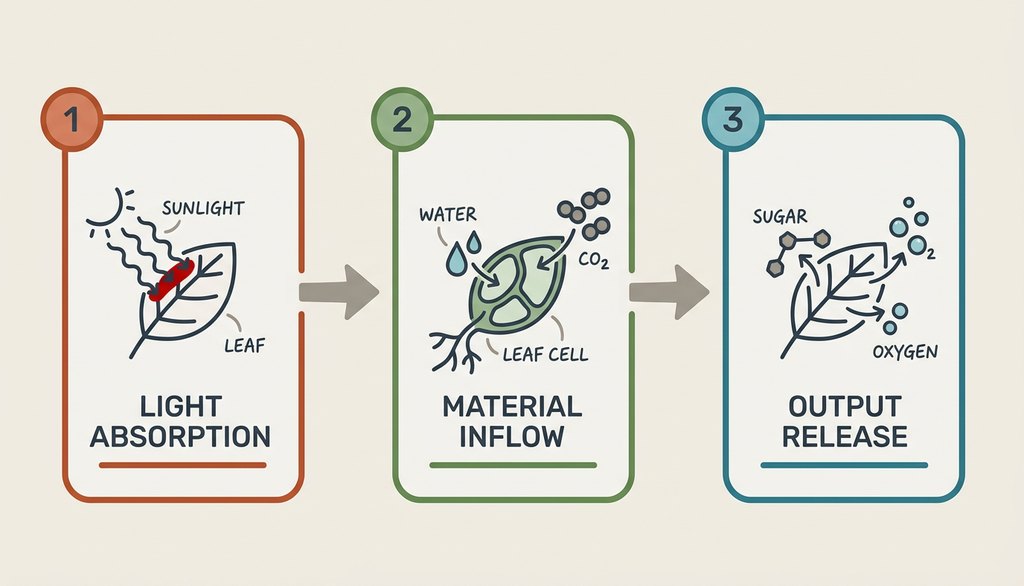
Flat vector cards on warm grey — each card outlined in its own colour, with typeset labels and one crimson flag.
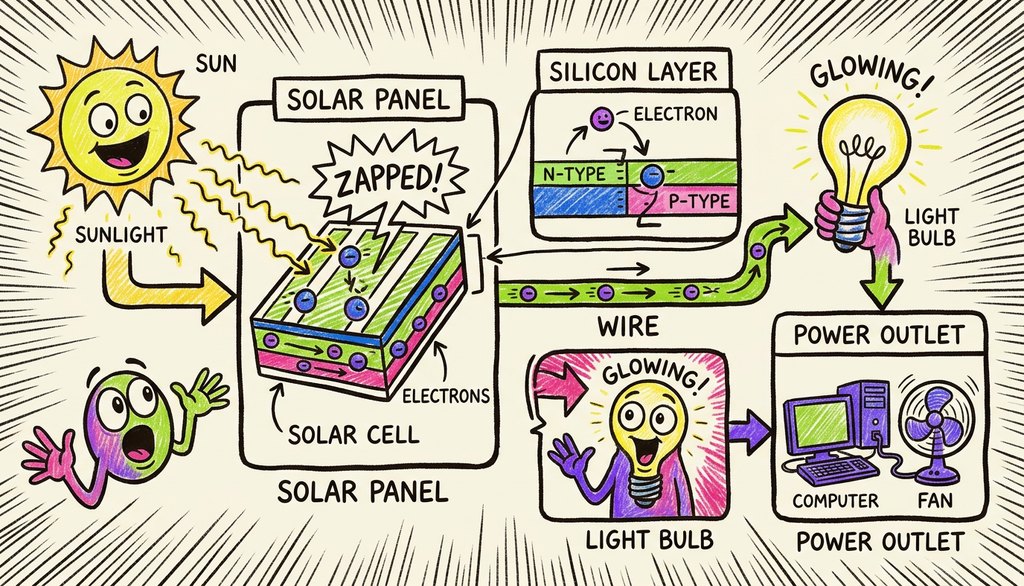
Wax crayon on cream paper — bold black outlines, hot hatched fills that let the paper tooth show through, and a shouted word in a starburst.
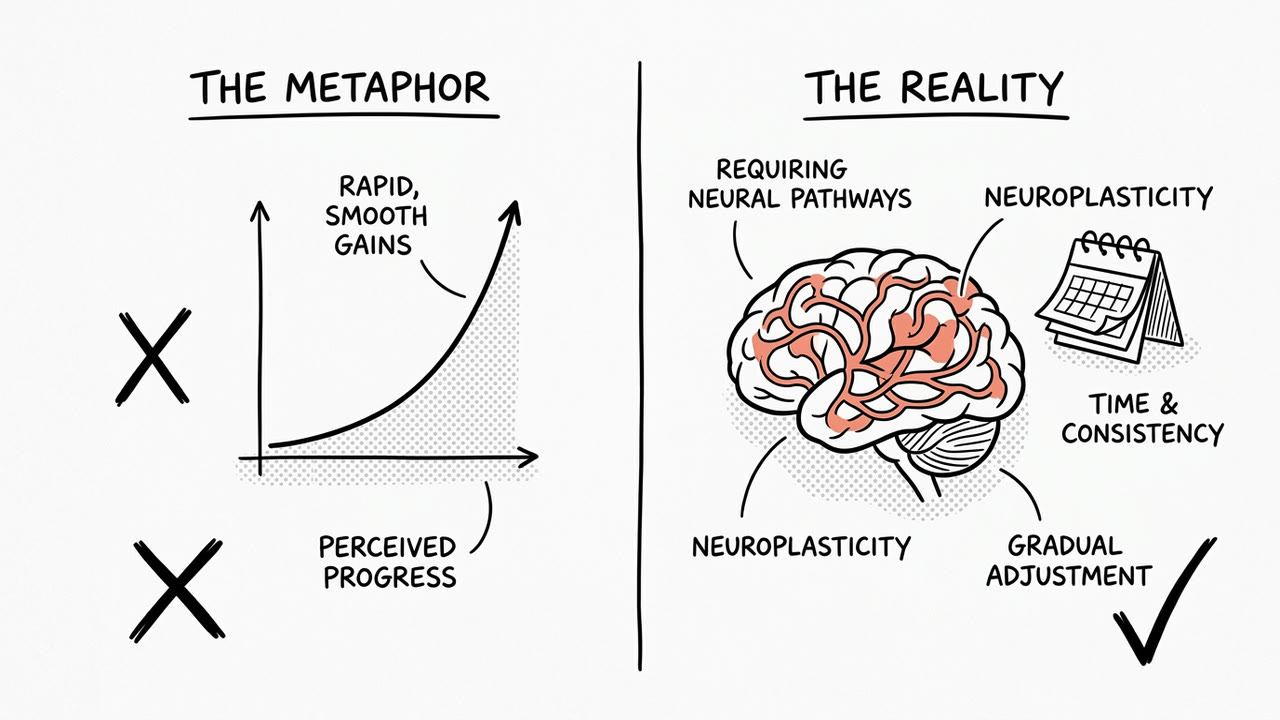
Calm magazine-column ink drawing on warm paper — grey halftone, lots of empty space, and one coral accent on the thing that matters.
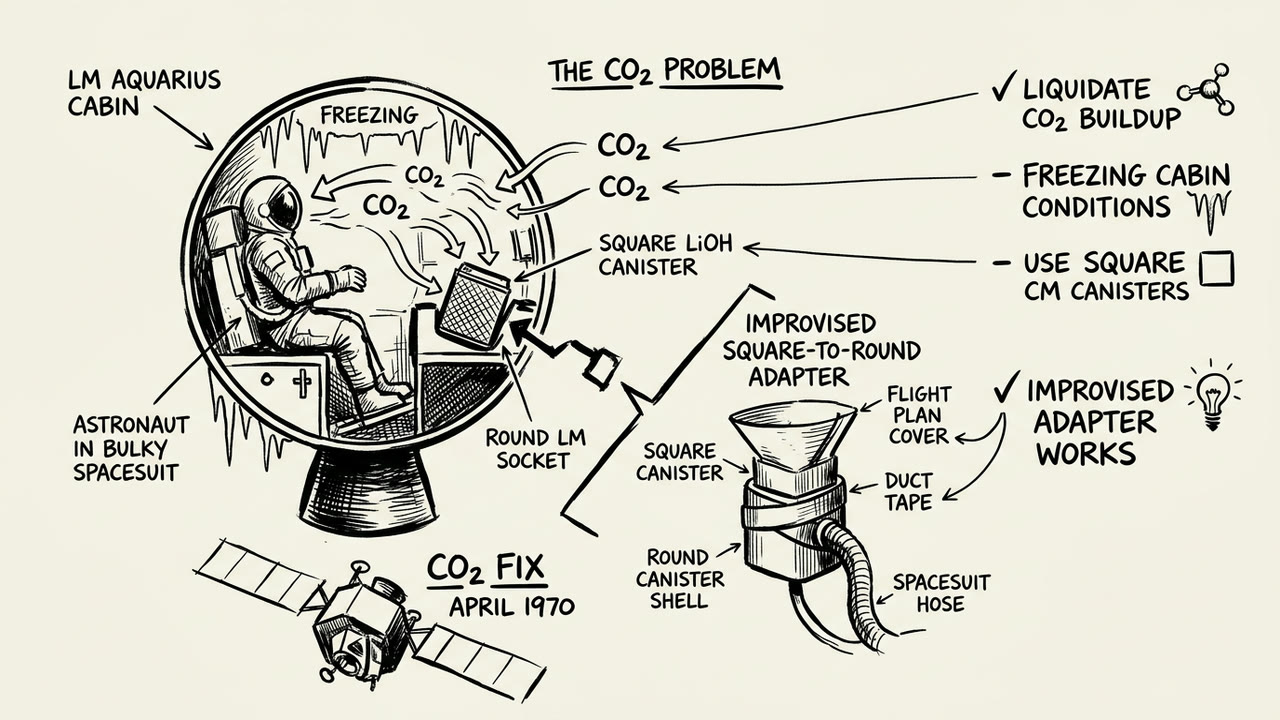
Fast black ink like a storyboard artist at work — open, broken strokes, solid black shadows and no colour at all.
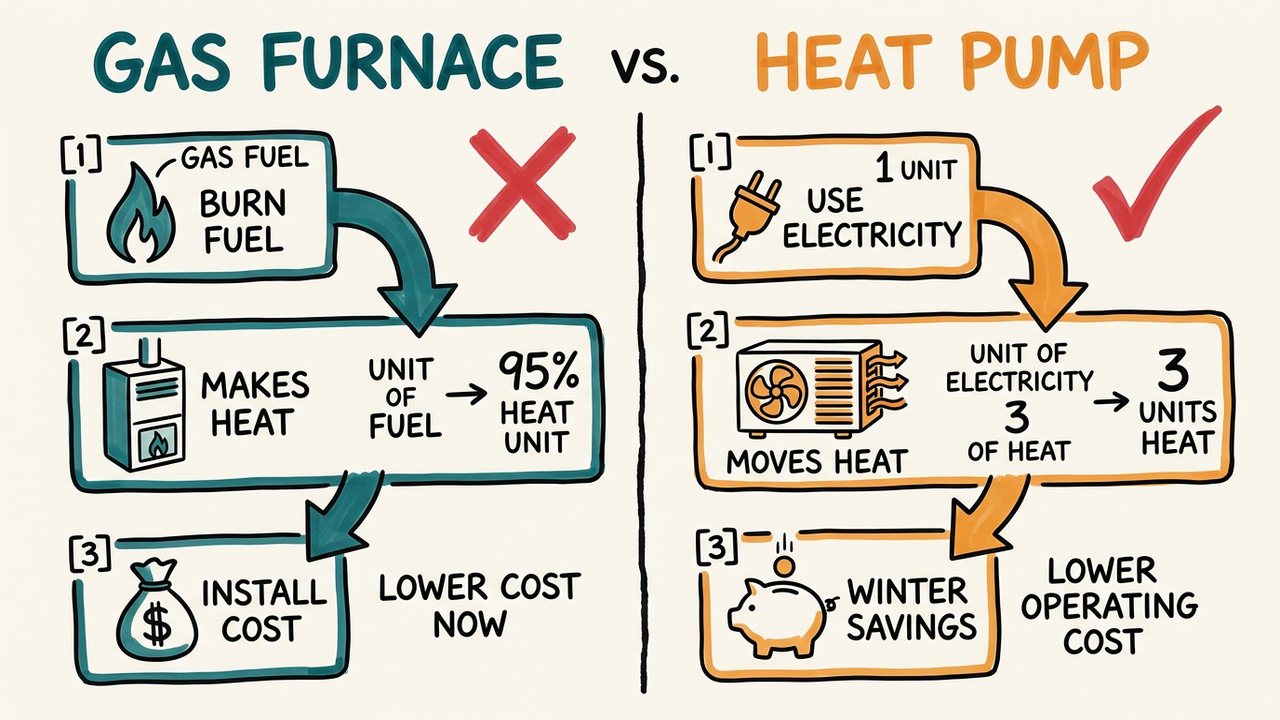
A hand-drawn infographic — black marker, two or three flat colours, boxed facts and numbered callouts joined by arrows along one clear path.
Paper Cutout
Torn edges, tape, halftone shading and bold cut-out headlines — with the camera pushing and panning across the collage in time with the narration.
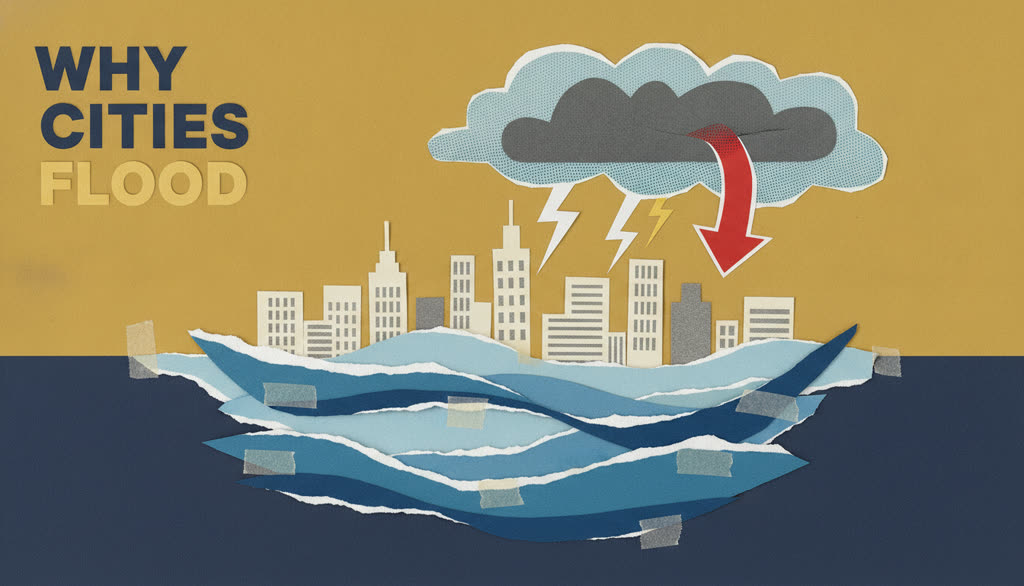
Torn-edge paper cutouts on bold flat color with halftone shading — the signature Vox look.
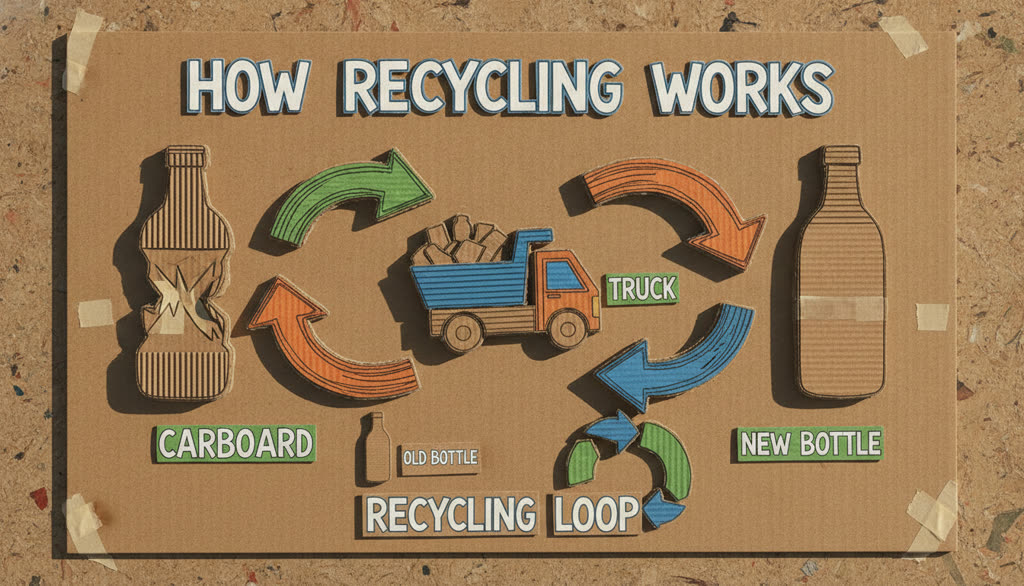
Layered corrugated cardboard with scissor edges and real shadows — stop-motion diorama feel.
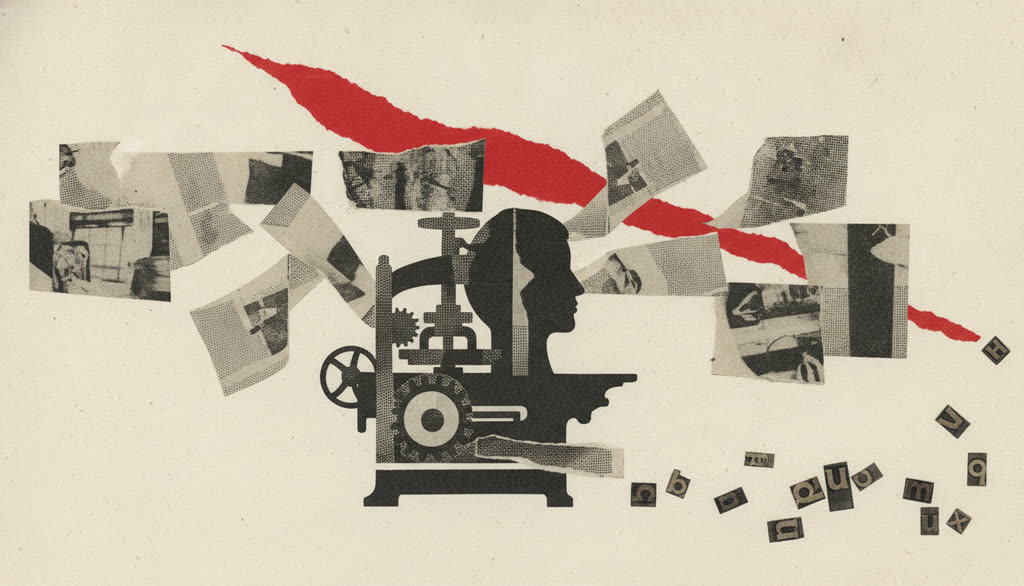
Clippings from aged newsprint layered like a scrapbook, black-and-cream with one red accent.
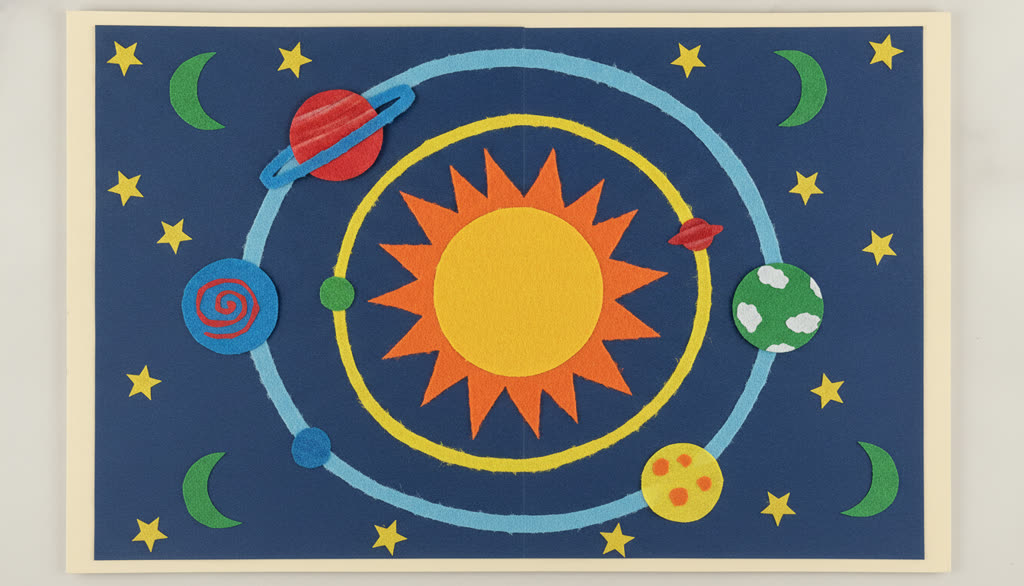
Chunky scissor-cut shapes in saturated primary colors — playful classroom-craft energy.
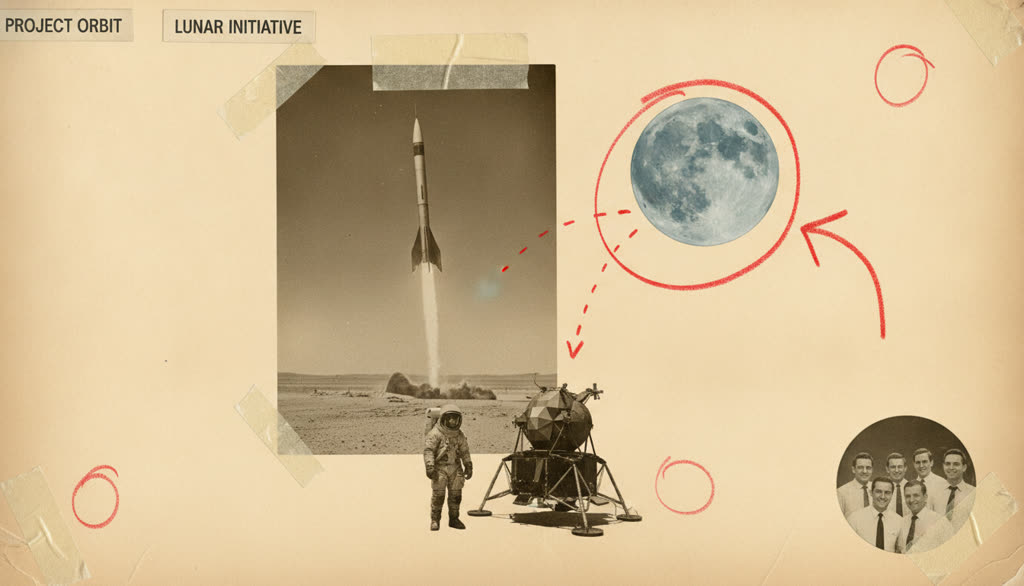
Sepia photo cutouts, manila folders and grease-pencil circles — mid-century dossier look.
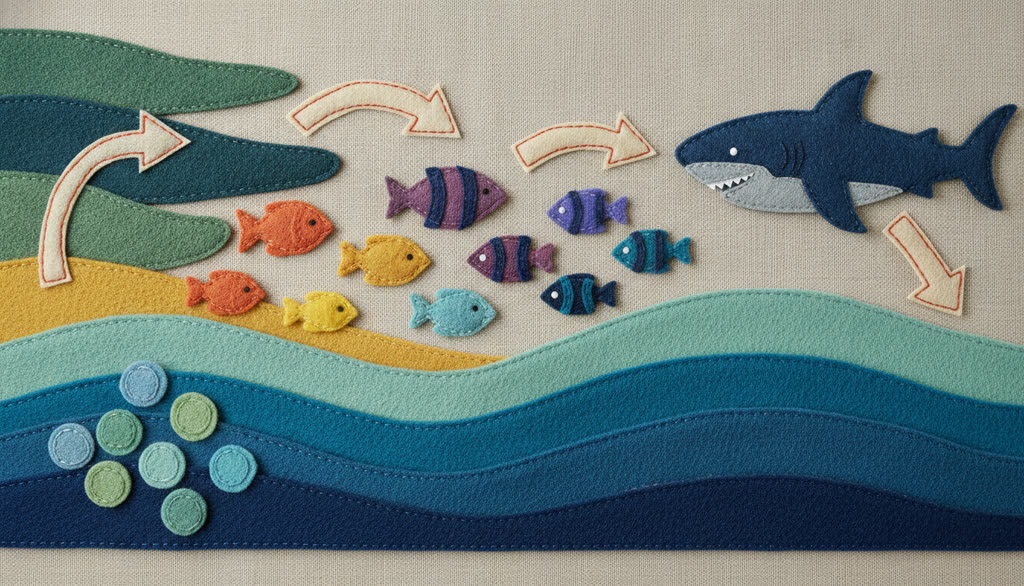
Stitched felt and fabric shapes on linen — soft, cozy, handmade craft-table warmth.
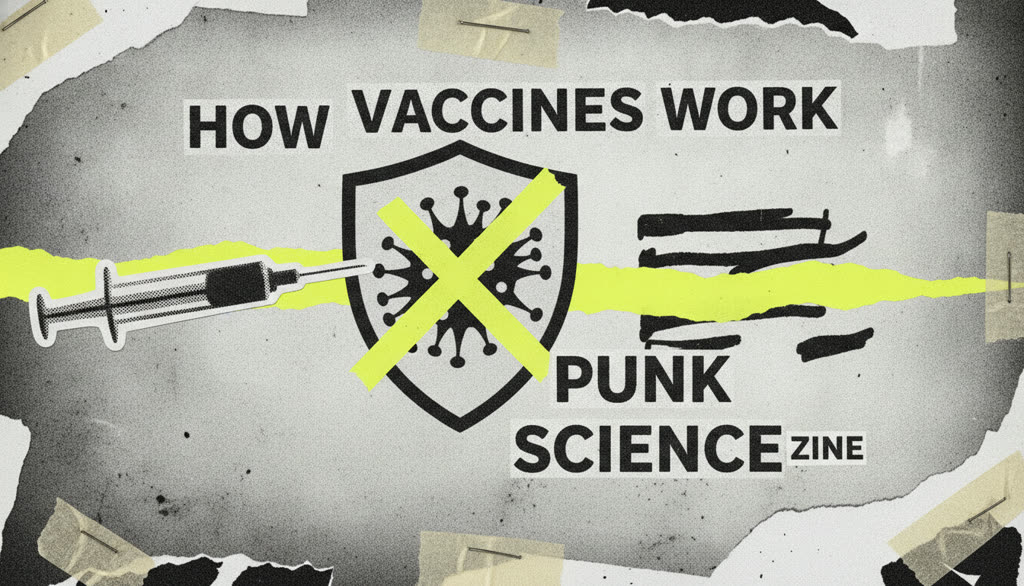
High-contrast photocopy grain with staples, tape and one electric neon accent — DIY punk zine.
MathMotion & MotionCraft
Real scenes lifted from rendered lectures — no templates. MathMotion choreographs quantitative explanations; MotionCraft writes a fresh composition per scene.
Thousands of ice particles resolve into the ring plane, then the camera drops into the gap to show how thin the disc really is.
The Moon slides across the Sun while a brightness curve drops off a cliff at the last one percent — why 99% is not an eclipse.
A moon drifts inside the Roche limit and tidal forces pull it apart into a ring, the limit drawn as the line it must not cross.
Inner particles lap the outer ones: differential rotation animated with live orbital speeds, so a solid disc would tear itself apart.
Lightning in Saturn's atmosphere scaled against a terrestrial bolt, the energy readout counting up as the comparison lands.
Potential energy becomes kinetic on the slope: the bar chart and the falling mass move together, the numbers counted not typed.
The equal-areas law drawn live: a planet sweeps its orbital wedge while the swept-area formula builds beneath.
From Sliding Window Maximum: the first window materializes over the array and the deque logic plays out step by step.
Petrol and saffron: the chromosomes coil into X shapes, line up on the equator, spindle fibres pull them apart and the membrane pinches one cell into two.
Cobalt and coral: the rocket lifts off, tips into the gravity turn, drops its first stage and the second stage races to 7.8 km/s over the curve of the Earth.
Void and gold: a comet streaks in at 50 km/s, strikes in a flash, shock waves sweep the planet and the ejecta settles into a debris ring.
From The Photoelectric Effect: light rendered as discrete glowing quanta streaming past E = hf.
Learn CourseSmith
Bring a repo, a document, a recording, or a topic — then build the lecture out of whichever scenes teach it best.