Build a scene from a sentence
“Explain a hash table with a diagram” or “compare two approaches side by side” becomes a real, populated scene using the right component — and its narration.
DESIGN
Tell the agent what a scene should teach and it picks the right component, populates it with real content, writes the narration, and drops it into your storyboard. Ask it to find gaps, add scenes, or restructure your lecture — all in plain language.
How it works
You describe what a scene should teach. The agent picks the right component, populates it, and writes the narration — and a finished scene drops straight into your storyboard.
Plain language, or a one-tap suggestion. No configuring components.
It picks the right component from the catalog, populates it, and writes the narration.
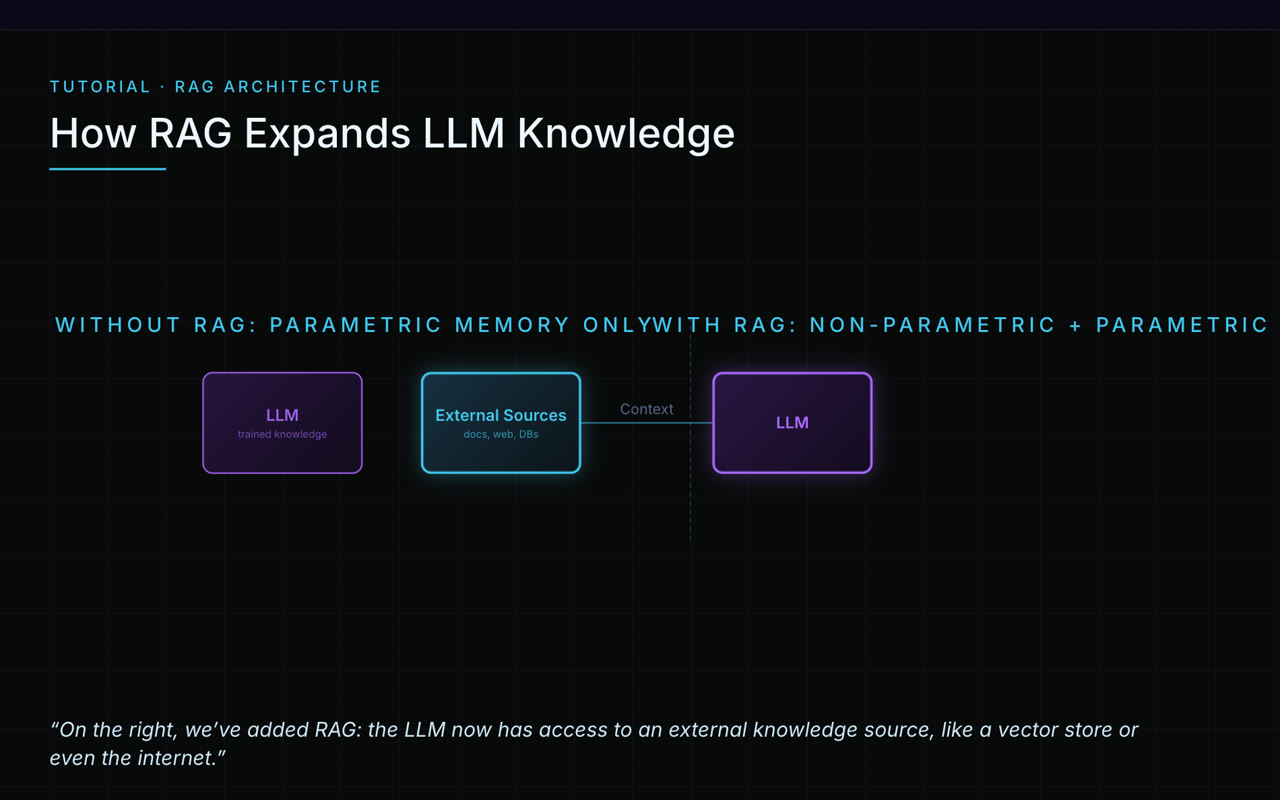
A finished, on-brand scene — ready to reorder, tune, or narrate.
What it does
“Explain a hash table with a diagram” or “compare two approaches side by side” becomes a real, populated scene using the right component — and its narration.
Analyze the whole lecture to surface missing scenes, gaps in narration, and ideas you may have skipped.
“Add a scene about caching after the statelessness scene” — the agent writes it and drops it exactly where you want.
It chooses from the same component library you author with, so results stay on-brand and renderable.
More in author visually
It’s one part of a tool that carries your source all the way to a polished, finished video.